
8 November 2026 · 3 min read
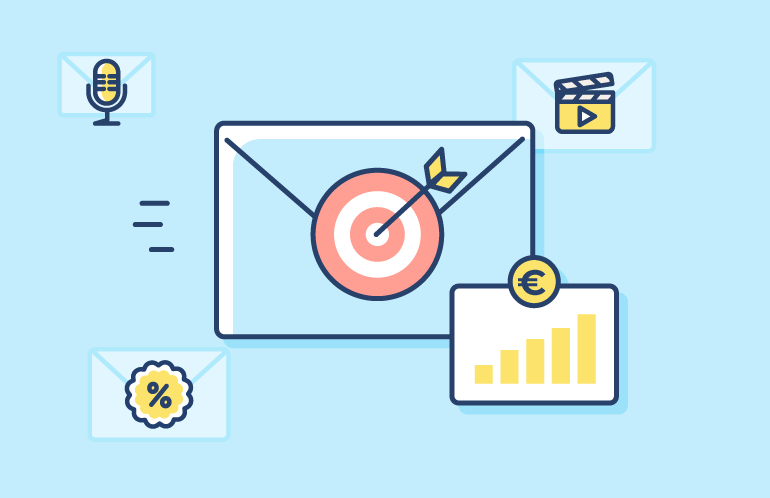
Mara runs a candle shop in a town small enough that the postman knows her tea order, and her newsletter (1,200 subscribers, 12% of them opening it) had been limping along for about a year. She blamed the algorithm first, then the weather, then something to do with Mercury, which I'm fairly sure isn't how email works. What actually helped was seven dull changes, which I'll go through in the order she tried them.
Her cousin, who works in "digital stuff", offered her 10,000 email addresses for $30, and Mara very nearly said yes. She didn't, thankfully, because a list of strangers who never asked for candles mostly produces spam complaints, and enough of those teach inboxes to distrust you. Her 1,200 actually chose to be there. Worth more than it sounds. She kept the signup form, added a line like "one email every other Thursday", and tested the unsubscribe link herself, twice, because hers once led to a 404.
Her old subject line was "Our autumn collection of hand poured soy candles is finally here", which on most phones shows up as "Our autumn collection of hand po..." and leaves everybody guessing. A quick paste into Character Count showed her how long it really was. She shortened it to "Autumn candles are back", and if you're torn between sentence case and title case, the Case Maker will flip it either way in a click.
Then there was the email with a sale, a blog post, a workshop invite and a survey all squeezed in, which got something like three clicks in total. These days each email has one job and one obvious button. She runs the draft through Word Count and deletes whatever isn't helping that single job, which is usually more than she'd like to admit.
Candle photos look gorgeous and weigh a fortune. A 5 MB hero shot on a train with one bar of signal? You get a blank rectangle. Mara squashes hers in the Image Quality Changer, checks the Image Dimensions Finder, and writes alt text, since some inboxes hide pictures until you tap.
She also wanted to know whether Tuesday's email or Friday's sold more of the lavender set, and without tags that's pure guesswork. The UTM Builder puts a tag on each link so Google Analytics can answer. Before every send she pastes the links into the Bulk Link Opener and clicks through the tabs, because a dead link on the big button is a special kind of embarrassing.
Someone who bought last month doesn't need the "welcome, here's 10% off" email. So Mara split her list in two: buyers, and people still deciding. Suddenly it read less like a flyer through the letterbox. Every other Thursday became her slot. Before that she'd vanish for six weeks, then send four emails in four days, and watch the unsubscribe count jump.
Open rate went from 12% to 14%. Real progress or a quiet week? She honestly couldn't say. Feeding her raw counts into the Percentage Calculator gave her the rates, and the percent change between two campaigns, in about ten seconds. Lesson two: touch one thing per campaign. Change the subject line and the send time together and you'll never know which did the work.
She tested Tuesday mornings against Sunday evenings for a month, and Sunday edged it, but that was her list. Yours could say something else entirely.
Seven is a lot. Do two. Mara did, and her next newsletter was the first one she didn't dread. All the tools mentioned are free at GetOnlineTool.

Looking for the best text tools online? These 5 free tools fix word counts, capitalization, extra spaces and messy pastes right in your browser.
Read article →
Want more visitors? Here are 5 practical ways to increase web traffic, from better titles and clean URLs to faster images and tracked campaigns.
Read article →
Learn how content and anchor text optimization works, which anchor types to use, and a simple routine to keep your links and pages search friendly.
Read article →